Nama is a digital audio workstation. It is suitable for multitrack recording, effects-processing, editing, mixing, and other audio tasks.
Nama uses Ecasound, developed by Kai Vehmanen, for audio processing. Nama hosts LADSPA and LV2 plugins, Ecasound effects and controllers. It works well under JACK and ALSA.
New projects begin with a mixer, and may include tracks (multiple takes), buses, effects, sends, inserts, marks, regions, fades, edits, sequences and submixes, with mixdown to wav, ogg, mp3, etc.
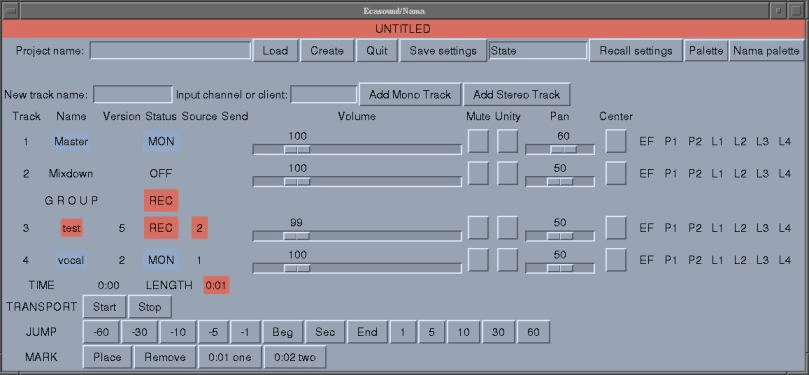
Nama has a full-featured command interpreter with TAB completion, keyword help and command history; a hotkey mode for tweaking effect parameters, a Tk-based GUI, and project management (history, branching, tags) based on git. Users can define command aliases, custom commands, and key bindings for the hotkey mode. The help system provides searchable access to documentation for all Nama commands and shortcuts, and for LADSPA, LV2 and Ecasound effects.
In addition to executing its own commands, Nama will pass commands to Ecasound, Midish, the perl interpreter and the shell. Nama has several templating options for project reuse: Effect chains are presets for one or more effects. Effect profiles (used to create Nama's mastering network) are templates for placing effects on multiple tracks. User scripting provides another way to reuse functionality. Nama's GUI will display if Tk is available. Nama can spawn Audacity or MHWaveedit to view/edit selected waveforms.